Plugins for the Omarchy shell
Three plugins that feel like they shipped with the bar.
A file manager, an ntfy inbox and a hardware panel for the Omarchy 4 shell. Themed by your theme, driven by your keyboard, one command to install.
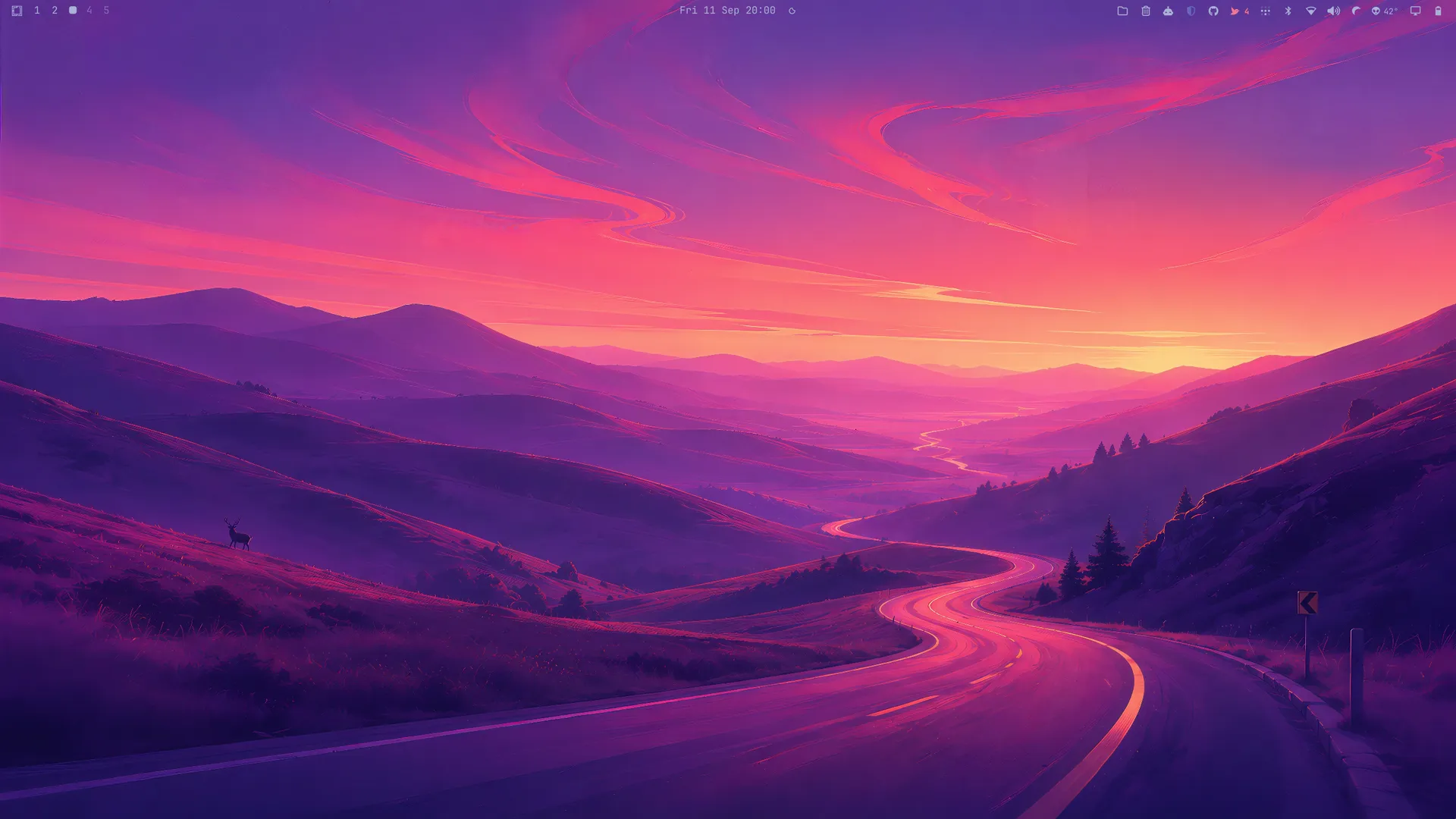
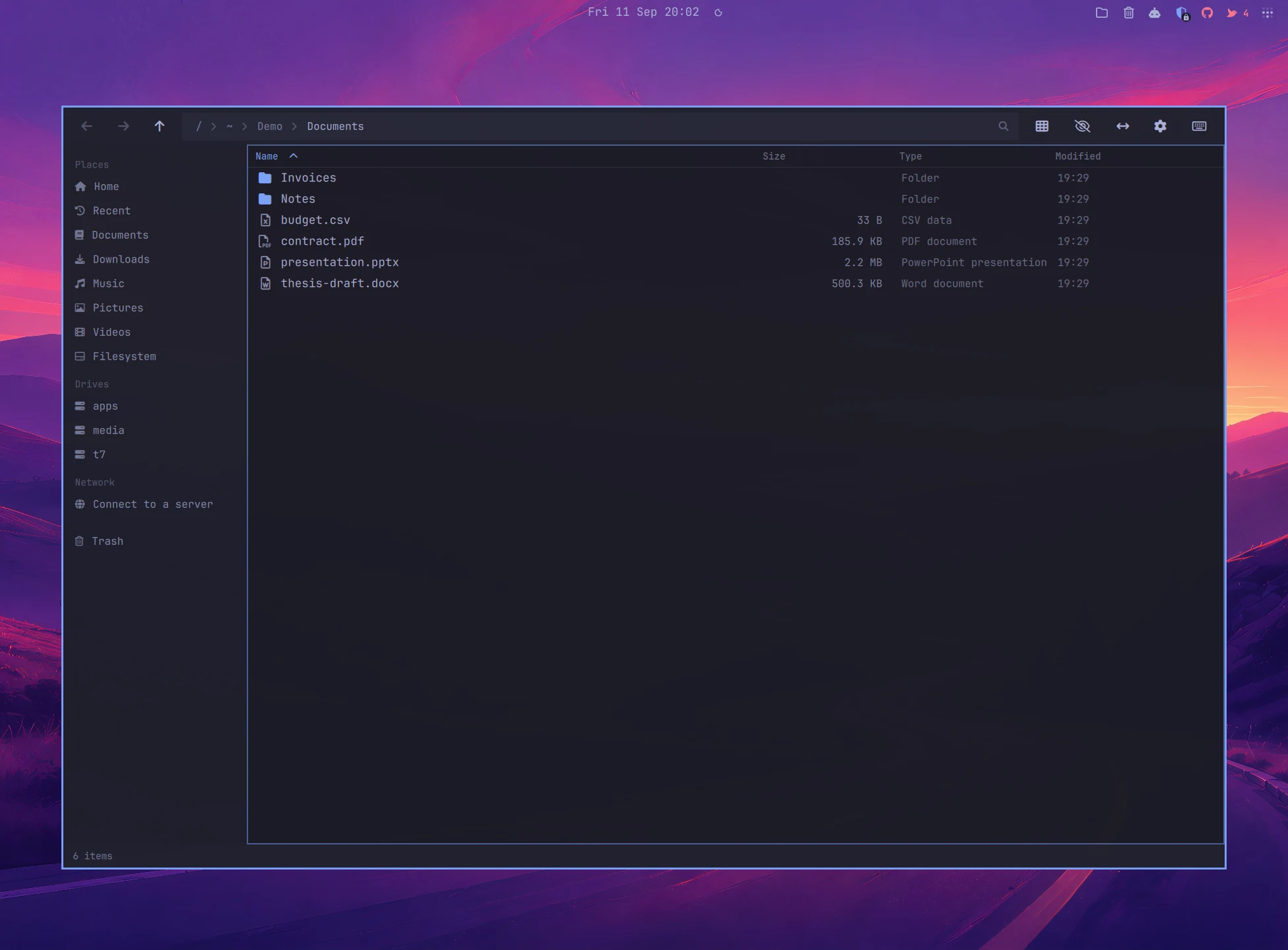
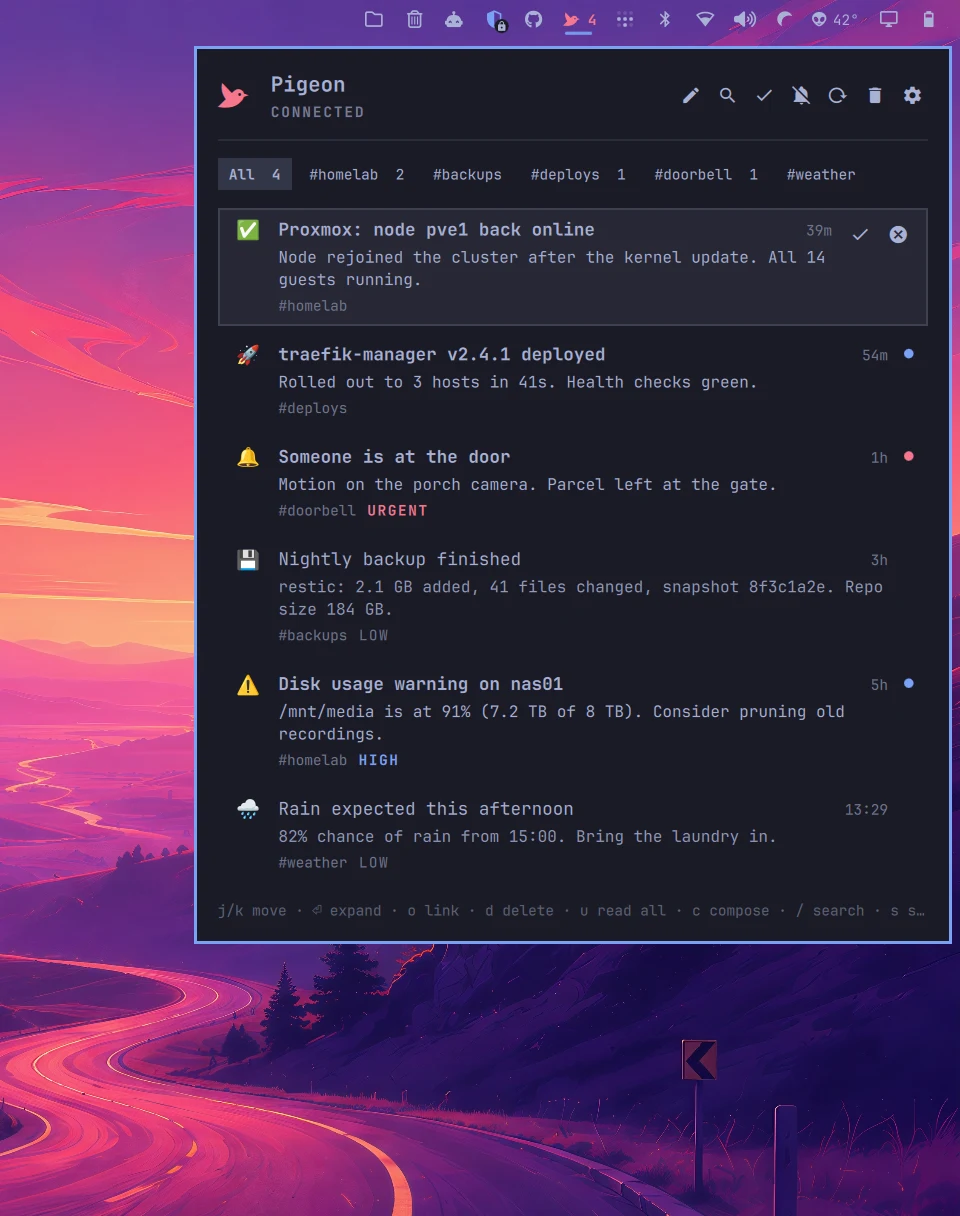
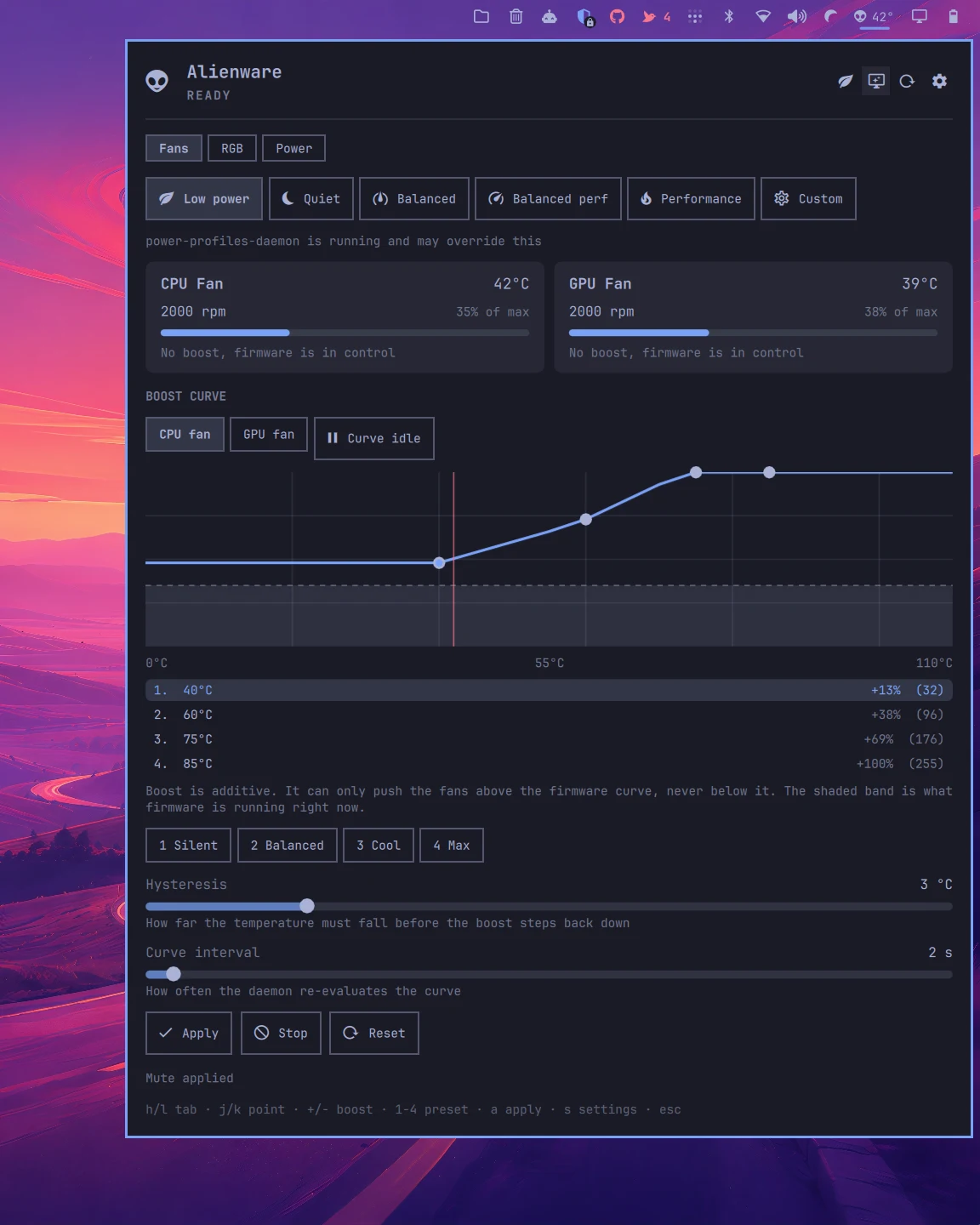
Click the dock or press 1 2 3 to open a plugin on the desktop. Move the mouse to tilt it.
The plugins
Bar widgets, panels and services. Nothing runs outside the shell.
Each one is a git repository with a manifest at the root. Install with omarchy plugin add, remove with omarchy plugin remove, update with omarchy plugin update.
Themes
Pick a theme, change everything.
An Omarchy theme restyles the whole system at once, and these plugins follow along: bar pill, panel, window, toasts. Pick one here and this page wears it too, screenshots included. Every shot was taken on a real Omarchy desktop with that theme applied, wallpaper bleeding through the window like it does on yours.
Install
One line each.
Plugins run unsandboxed inside the shell process and have full access to your home directory. Read the source before you add one, these included.